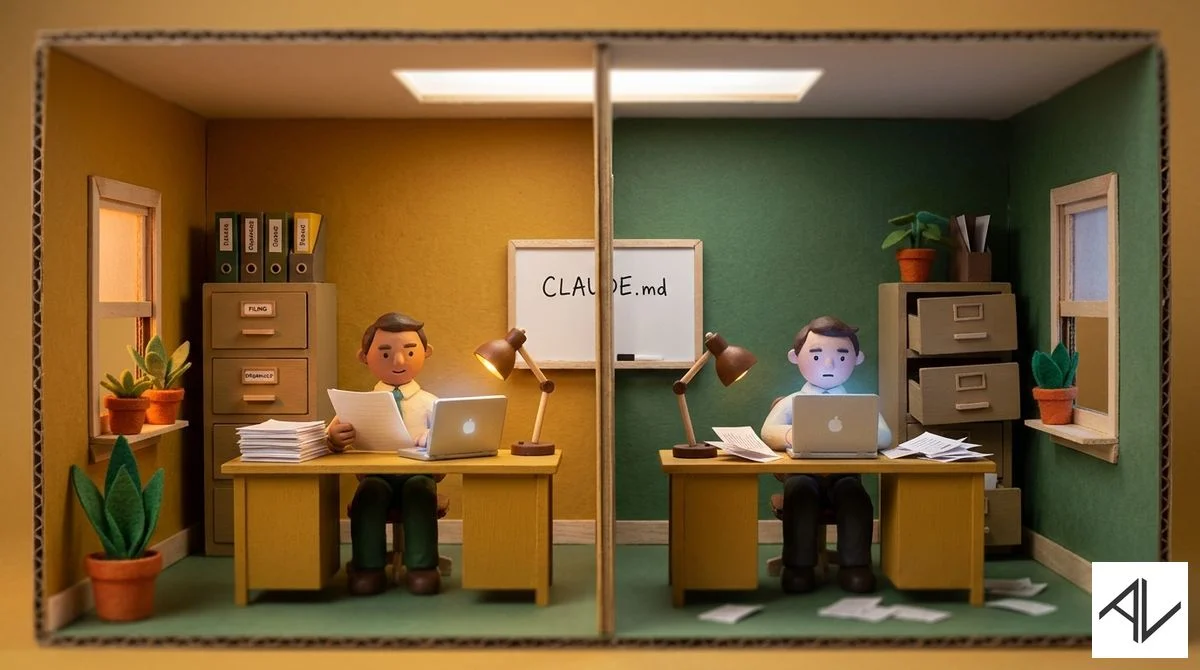
Same tools. Different filing systems. Guess which one has CLAUDE.md.
1. Know What “Good” Looks Like Before You Prompt
You can’t direct AI if you don’t know what a good result looks like.
A marketing director who’s written hundreds of campaigns will get great copy from AI. A random person prompting for “marketing emails” will get generic slop. The AI doesn’t know the difference — you do.
The “anyone can do anything with AI” narrative is dangerous. AI doesn’t replace expertise. It amplifies it.
Domain knowledge + AI skills is the winning combination in 2026. One without the other leaves value on the table.
Worried about AI taking your job?
Your advantage is you know what the output is supposed to look like. Be the person who directs the AI, not the person the AI replaces.
2. Build a Memory System for Your AI Harness
Every time you start a new conversation in your AI harness, you lose all context. You’re back to square one explaining who you are, what your business does, and how you like things done.
It’s like hiring a new temp every single day.
Fix this by building a memory system in your project folder:
- Create a
CLAUDE.mdfile (orAGENTS.mdfor Codex/OpenCode) in your project folder with your preferences, context, and how you work. - Add your style guides and templates. Link them from the main file so the AI references them automatically.
- Add your SOPs and process documents the same way.
- After each session, update the file with anything new the AI should remember next time.
That’s the simple version. You can get more sophisticated over time — look up Claude rules and custom instructions if you want to go deeper.
The result: your prompts get shorter. Output quality goes up. Feedback loops shrink. The AI gets smarter about your work over time.
This is the difference between explaining your business from scratch every morning and having a trained staff member who already knows your preferences, your tone, and your processes.
I walk through setting up these AI memory systems step by step in The Complete Claude, Claude Code & AI for Work Productivity.
3. Courses
I have a range of online courses that teach business people what they need to know about productivity and AI:
1. Next Level Productivity
A practical, straightforward course that teaches you how to achieve elite-level personal productivity in today’s constantly interrupted world.
2. The AI Agents, Automations and Agentic Workflows Guide
This non-technical course shows business people and non-coders how they can build and use AI agents in ChatGPT and Zapier.
3. The Complete Claude, Claude Code & AI for Work Productivity
A comprehensive course taking you from beginner AI concepts like prompt and context engineering, to cutting-edge AI productivity using terminal-based AI tools like Claude Code for non-coding office work. Usable with ChatGPT, Claude, Gemini and other current LLMs.
4. The AI Playbook
This is my longer premium course on how businesses can deploy AI tools and technology across their processes and teams.
5. ChatGPT for Managers
See how AI can solve complex management challenges in less than 30 seconds. Full prompt library and examples included.
That’s it for this week!
— Aaron