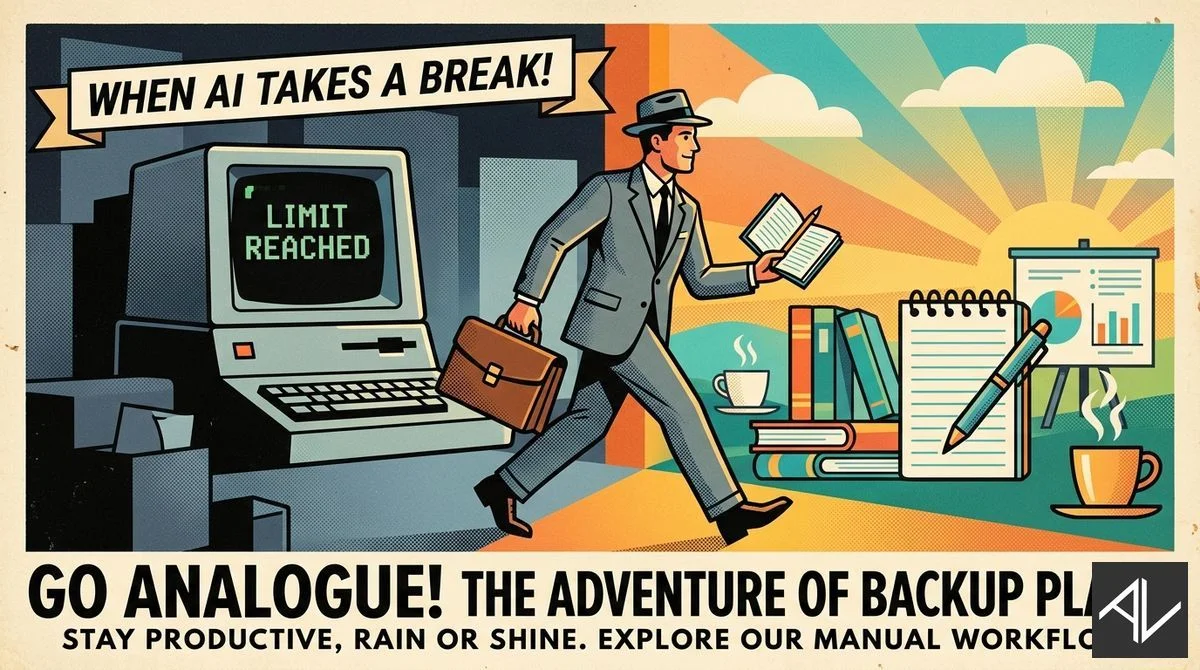
When the AI clocks out, the analogue tools clock in.
1. When Your AI Goes Down
I burned through my entire 5-hour Opus 4.6 allocation last week. On a Tuesday. By 2pm.
Two business documents. That’s all it took.
And it gets worse. Even when the model was available, it started ignoring context I’d fed it, hallucinating responses, and at one point returned something that looked like it had been machine-translated through three languages.
Anthropic’s forums are full of similar complaints. Usage limits running dry faster than ever. Model quality degrading mid-session. The people who’ve built their workflows around AI are discovering what happens when the infrastructure gets wobbly.
Here’s the uncomfortable truth: if your main AI-dependent task gets blocked, there needs to be something meaningful ready to absorb that time.
Not busywork. Real work.
Have a backup AI ready. I’ve found Codex (OpenAI’s terminal offering) is just as capable — you just need to be more explicit with your prompts. And keep a running list of high-value tasks that don’t require AI at all. When the limits hit, you switch tracks immediately.
AI downtime is no longer an edge case. It’s a planning variable.
2. AI Intensifies Work — It Doesn’t Reduce It
New research from Harvard Business Review tracked ~200 workers at a US tech company over eight months. The finding? AI tools consistently intensified work rather than reduced it.
Workers took on broader task scopes. They prompted AI during lunch breaks. They ran more things in parallel. All voluntarily.
The result: more cognitive load, workload creep, and eventual burnout risk.
The key quote from the study: “You had thought that maybe because you could be more productive with AI, you save some time, you can work less. But really, you don’t work less.”
The risk isn’t underusing AI. It’s letting it quietly expand your workload without boundaries.
The fix is good old-fashioned productivity fundamentals. Time management. Energy tracking. Hard limits on work hours. AI is a force multiplier — but it multiplies whatever you point it at, including your tendency to overwork.
3. The Backup Plan Is the Plan
Tip 1 was about AI going down. Tip 2 was about AI making you do more.
Both lead to the same place: you need boundaries and fallbacks.
I keep a simple list in my task manager called “AI Down” — tasks that are valuable but don’t require AI. Strategic thinking. Reading. Planning sessions. Offline writing.
When Claude hits its limit or starts hallucinating, I don’t scramble. I switch modes.
The goal isn’t to be AI-dependent. It’s to be AI-augmented with a resilient base underneath.
Build that base now, while things are working.
4. Courses
I have a range of online courses that teach business people what they need to know about productivity and AI:
1. Next Level Productivity
A practical, straightforward course that teaches you how to achieve elite-level personal productivity in today’s constantly interrupted world.
2. The AI Agents, Automations and Agentic Workflows Guide
This non-technical course shows business people and non-coders how they can build and use AI agents in ChatGPT and Zapier.
3. The Complete Claude, Claude Code & AI for Work Productivity
A comprehensive course taking you from beginner AI concepts like prompt and context engineering, to cutting-edge AI productivity using terminal-based AI tools like Claude Code for non-coding office work. Usable with ChatGPT, Claude, Gemini and other current LLMs.
4. The AI Playbook
This is my longer premium course on how businesses can deploy AI tools and technology across their processes and teams.
5. ChatGPT for Managers
See how AI can solve complex management challenges in less than 30 seconds. Full prompt library and examples included.
That’s it for this week!
— Aaron