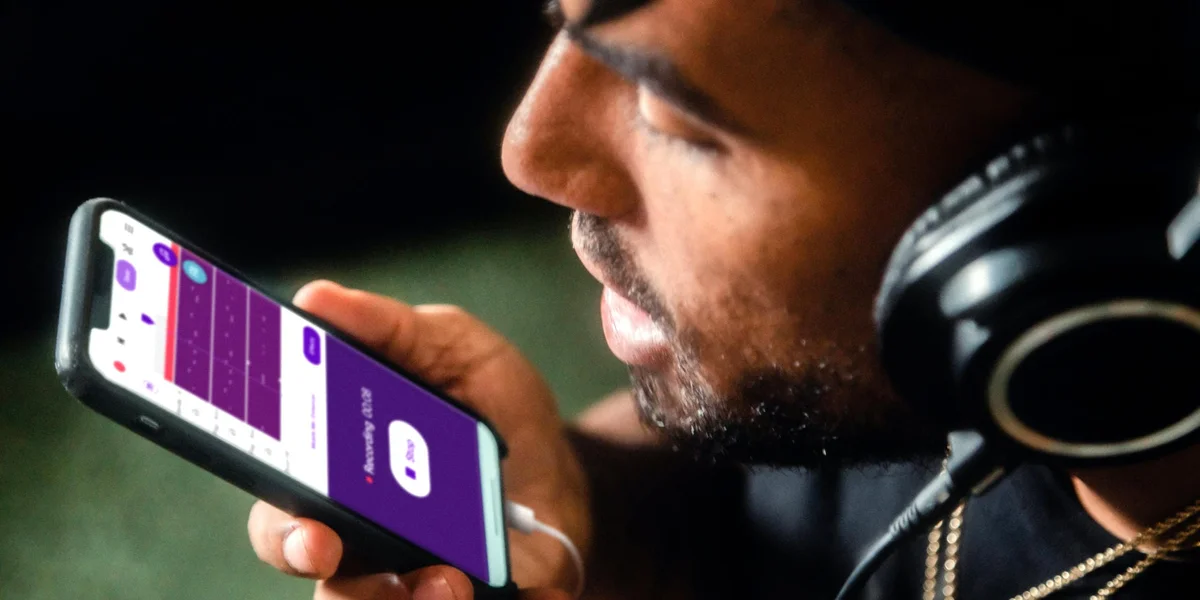
Voice memos are a quick and easy way to capture your thoughts and information when you’re on the go.
Here’s how you record voice memos, and what you do with them afterwards.
Table of Contents
Open Table of Contents
What Are Voice Memos and What Are They Used For?
Voice memos are very simply using a voice recording app on your phone or smartwatch to capture audio.
While some people undoubtedly use them to record interviews, music, lectures and other things, for productivity purposes you are capturing audio notes for yourself.
You can use them to:
- Take notes.
- Create reminders.
- Capture any general information.
Why Are Voice Memos Useful?
You may be wondering:
Can’t I just type a note into my task manager?
Or:
Can’t I just use voice commands on my device to create reminders, notes and so on?
One of the advantages of voice memos is that they are fast.
You can often speak a few sentences much faster than you can type them out on your phone.
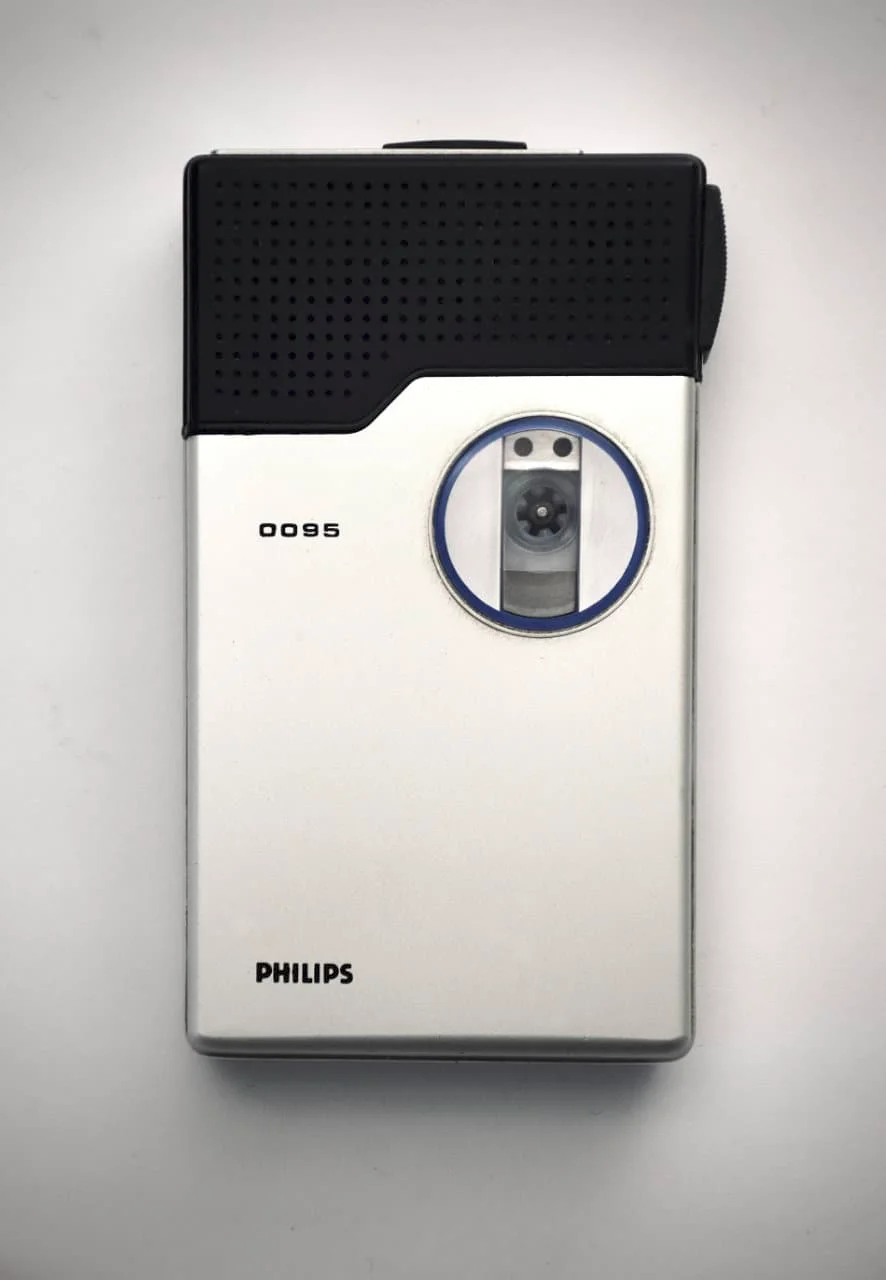
A dictaphone.
This is why back in the 1980s and 1990s, professionals would use dictation devices to record notes, rather than writing them down.
Of course, we have smartphones now and don’t need separate dictation devices.
Voice memos are also simply plain audio data, meaning they don’t have to be parsed or processed.
If you’ve ever tried using voice commands to create reminders or set appointments, you’ll know that they sometimes-work-sometimes-don’t.
Our current speech-to-text technology just isn’t that great. This may change in the future, but for now, it is still easier and more consistent to use straight up voice memos.
Voice memos are also great for when you can’t type on your phone or computer.
Some common examples:
- When you’re in the gym.
- When you’re walking around and it’s inconvenient to type.
I also wear my smartwatch to sleep for tracking and alarms, and if I have a random thought whilst falling asleep, I’ll hit the record button and make an audio note. This means that I don’t have to reach for my phone.
How Do I Use Voice Memos?
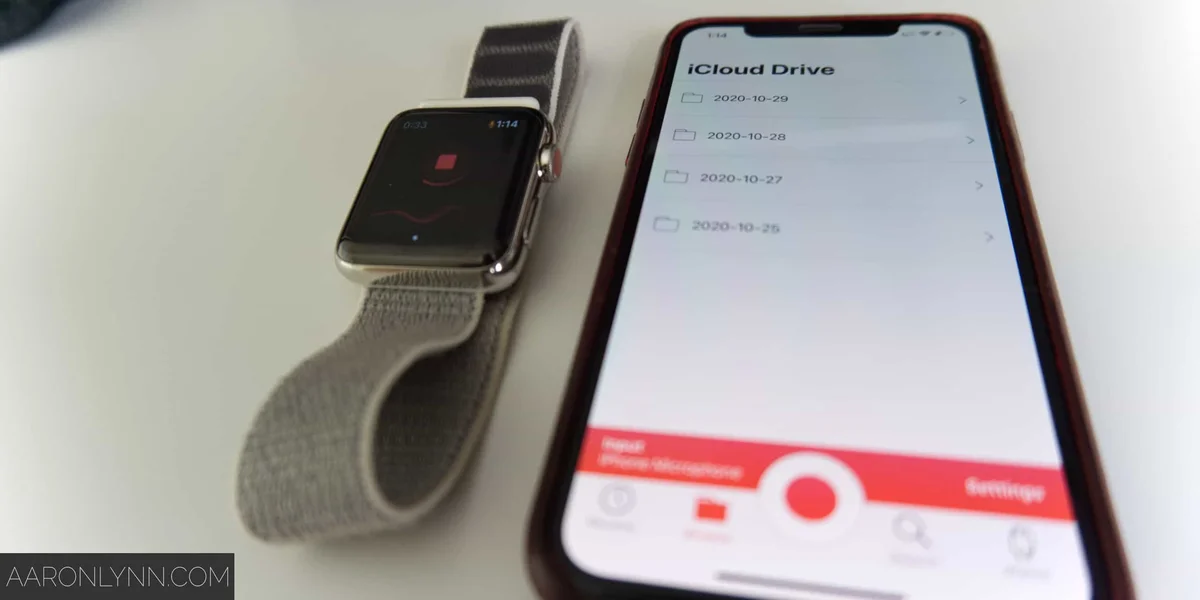
Voice memos start as an app on your phone, and your phone likely already has a default app built-in.
If you have a paired smartwatch, there is likely a corresponding voice memo app available as well.
If you want to get fancy, you can grab Just Press Record which I will wholeheartedly recommend.
As you go about your day-to-day and want to capture an audio note, you simply pull up the app, press record, and speak.
You can make this faster by having a phone widget, the app on your phone home screen or a complication on your watch.
Once you’ve captured your voice memos, you must process them.
It is important that you do this otherwise they will never be actioned and your voice memos will become useless.
How do you process your voice memos?
Once a week, just sit down and go through them like any of your other inboxes.
Listen, then decide if you need to:
- Action.
- Make an appointment.
- Store information.
- Trash.
Transcription
Some voice memo apps have an automatic transcription function.
If this works for you, great.
I have an Australian accent with hints of British and American mixed in, so it doesn’t work all that well for me.
If you are using transcription though, you must still remember to process your voice memos on a regular basis.
What To Do Next
Voice memos are a form of quick capture, which you can read more about here.
For now, grab your phone, and load up your voice memo app.
Make it accessible. And record away!
Photos by Soundtrap, Everyday basics.